
Routine Creator
Train with information, not with assumptions.
Get to know your customer before you start. Create customized forms and questionnaires for onboarding, monitoring and evaluation. All the information organized in your profile.
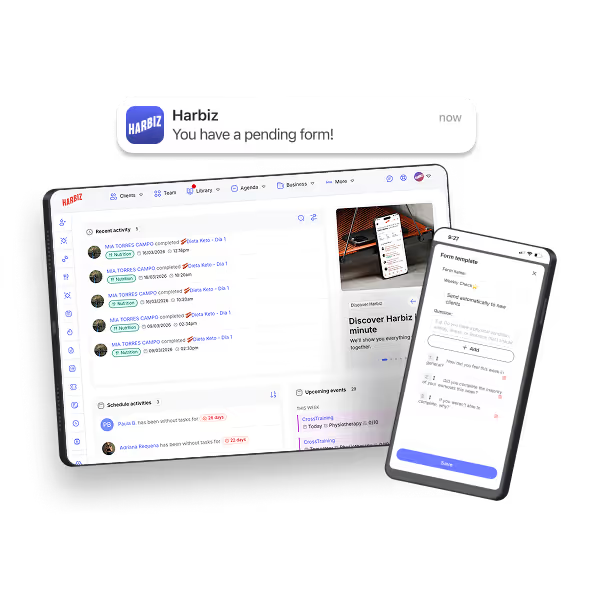
Prevent customer feedback from being lost in external tools
Create initial and follow-up questionnaires and save all answers directly in the customer's profile to analyze their evolution clearly
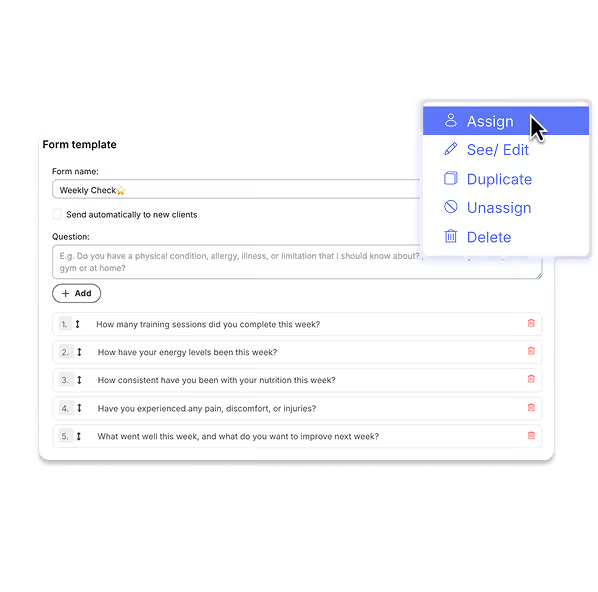
Create custom forms with open-ended questions.
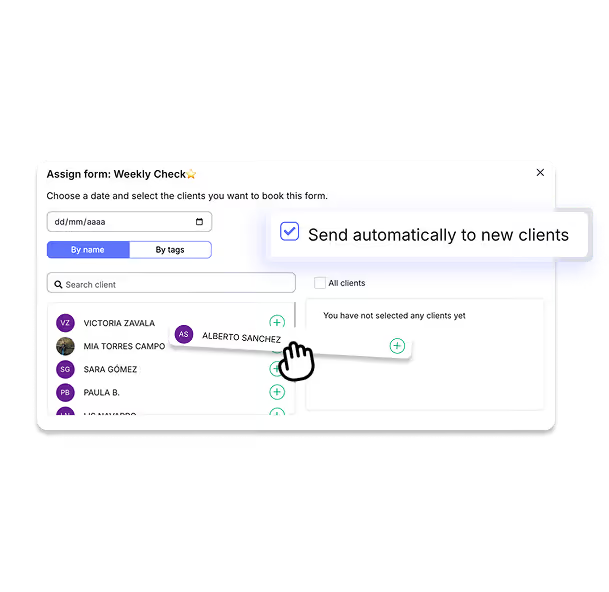
Assign them to one or more customers when you need them.
Submit initial (PAR-Q, habits) and follow-up forms.
View all the answers saved in the customer's profile.
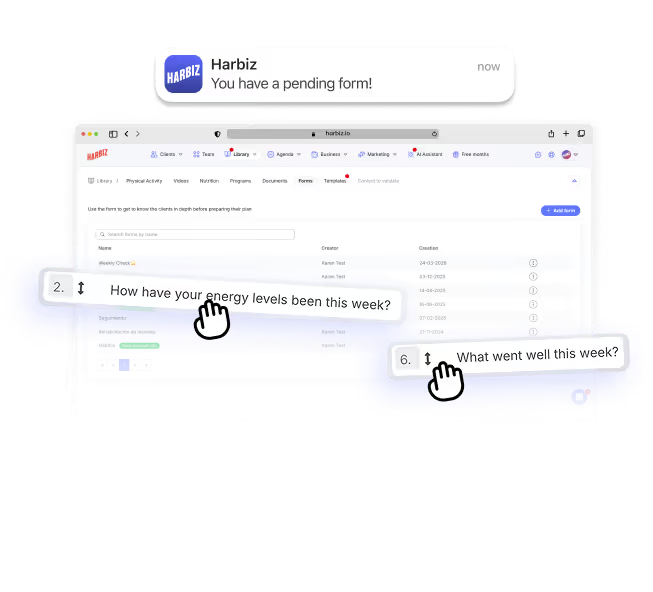
Automatic onboarding for every new customer
Activate automatic shipping and collect initial information without manually assigning each time. Fewer repetitive tasks, better diagnosis from day one.
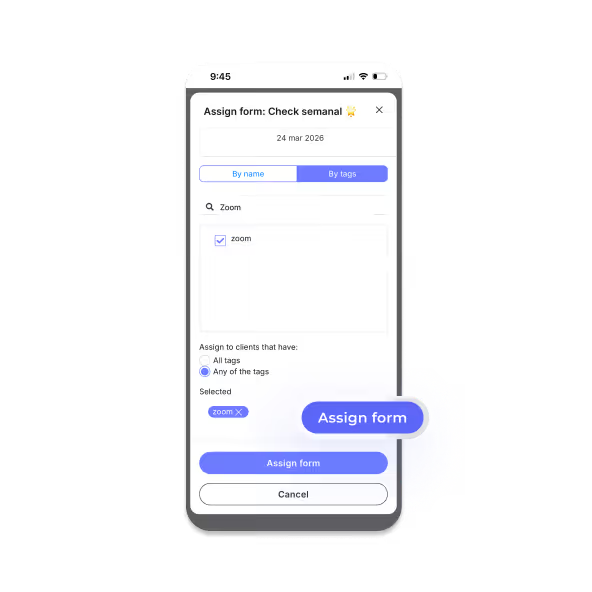
Send the right questionnaire to the right person
Assign forms by tags, type of customer, or phase of the program. Adapt tracking according to the level or objective.
The customer responds at the right time
Schedule automatic reminders to complete your weekly or monthly check-in.
Don't just create routines. You build a solid business
Explore tools designed to increase revenue, improve retention and professionalize your brand.
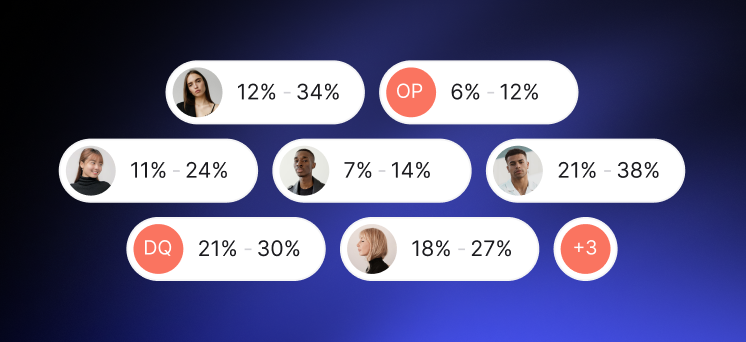
Your entire business, under control
Schedule, bookings, customers, equipment and reports in one place to work with more order and less chaos.
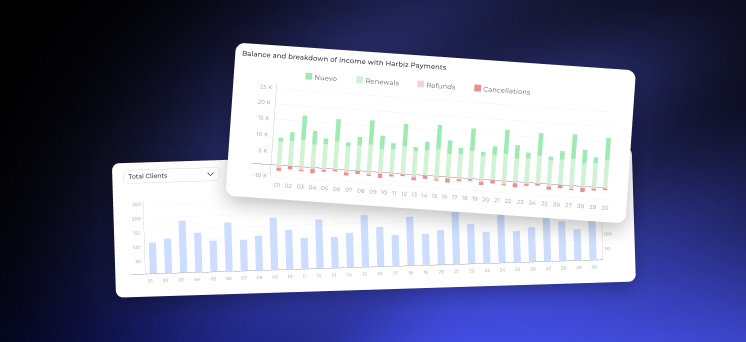
Cobra with order and foresight
Automate collections, reduce defaults and control your income without wasting time on manual tasks.
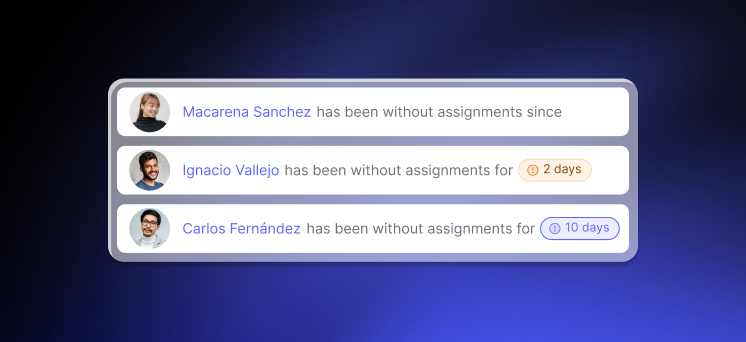
Grow your brand and your community
Attract customers with your own app and website, and turn them into ambassadors with an experience that builds loyalty.


FAQs
Here we answer the most frequently asked questions about our features and services.
In Library → Forms.
Yes, you can assign by tag or to multiple customers.
In Today's Plan (Start) the assigned day and in Notifications if it is pending.
Yes, you can enable automatic shipping for onboarding.
In Customer → Information → Forms.